Most AI models are built for general conversation.
Business analytics is different.
When users ask questions like:
- "Show monthly sales trends by region"
- "Compare this quarter with last year"
- "Create a chart for top-selling products"
- "Explain why revenue dropped in March"
the model is no longer acting like a chatbot. It becomes part of an analytics workflow.
That distinction matters more than most people realize.
At LivChart, We Noticed a Problem
Even strong local models running on Ollama often struggled with real-world analytics tasks:
- inconsistent chart selection
- invalid structured outputs
- hallucinated metrics
- unstable dashboard behavior
- broken JSON responses
- weak KPI interpretation
- unreliable filter handling
The problem was not raw intelligence.
The problem was optimization.
Why Default LLMs Struggle with Analytics
General-purpose LLMs are trained to be helpful conversational assistants.
Analytics systems need something different:
- deterministic outputs
- stable JSON generation
- schema consistency
- chart reasoning
- metric interpretation
- concise insight generation
- predictable workflow behavior
A dashboard engine cannot behave like a creative writing assistant.
Even small formatting issues can break:
- chart rendering
- preview generation
- dashboard pipelines
- BI workflows
This becomes even more important when running local AI systems where the model is directly connected to real business data.
Building a LivChart-Optimized Model
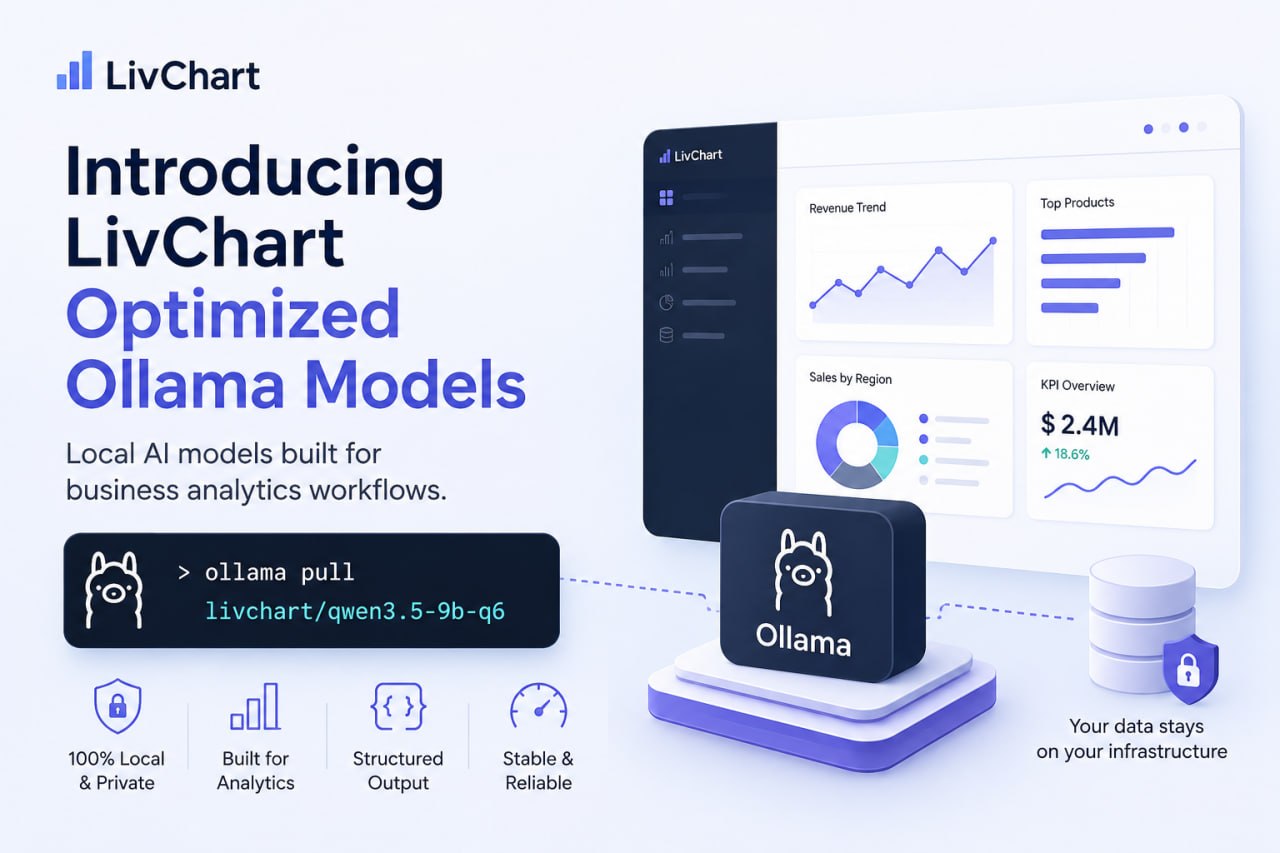
To solve this, we created specialized Ollama model distributions optimized for analytics workflows.
Our first release:
ollama pull livchart/qwen3.5-9b-q6This model is based on Alibaba Cloud Qwen3.5, but configured specifically for:
- AI dashboards
- structured analytics
- chart workflows
- KPI analysis
- insight generation
- business metric interpretation
The optimization layer includes:
- custom system prompts
- structured output rules
- analytics-focused instruction tuning
- deterministic response behavior
- reduced hallucination patterns
This is not a traditional fine-tune.
Instead, it is a runtime-optimized analytics distribution built using Ollama Modelfiles.
What Changes in Practice?
The difference becomes obvious in production workflows.
A default model may:
- switch chart types randomly
- generate invalid JSON
- add conversational filler
- invent unsupported metrics
- break structured schemas
The LivChart-optimized model is designed to:
- preserve valid structures
- maintain chart consistency
- prioritize measurable insights
- reduce unnecessary text
- behave predictably in analytics pipelines
For example, the model is instructed to:
- prefer deterministic outputs
- avoid hallucinated dimensions
- preserve requested schemas exactly
- return concise business insights
- stop immediately after valid JSON generation
This dramatically improves reliability for dashboard generation and AI-assisted analytics.
Why Local AI Matters
One of the main reasons we built these models is privacy.
Many companies still send sensitive analytics data to cloud AI services without realizing the risks involved.
Business questions themselves can contain sensitive information:
- revenue trends
- customer behavior
- product performance
- operational KPIs
- financial forecasts
By combining:
- Ollama
- local LLMs
- optimized analytics models
- LivChart
companies can build AI-powered analytics systems without sending their data to external cloud providers.
Running the Model
After installing Ollama:
ollama pull livchart/qwen3.5-9b-q6Run the model:
ollama run livchart/qwen3.5-9b-q6Or connect it directly to LivChart for local AI-powered dashboard workflows.
What's Next?
This is only the beginning.
We are actively testing:
- chart-specialized variants
- stricter JSON-focused distributions
- lightweight analytics models
- larger KPI reasoning models
- benchmark-driven dashboard optimization
Our goal is simple:
Build local AI models that behave like analytics infrastructure — not generic chatbots.
Because business intelligence workflows deserve models optimized.